
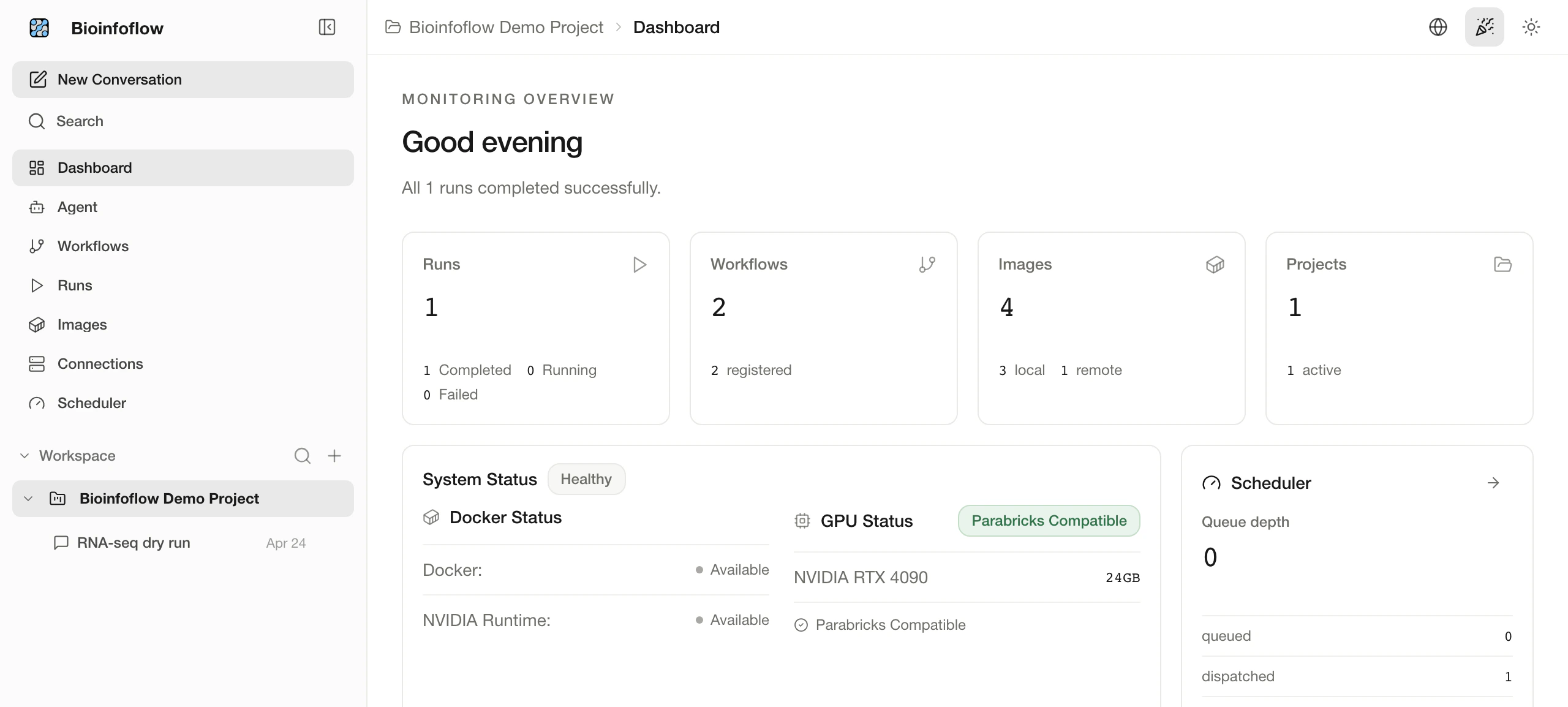
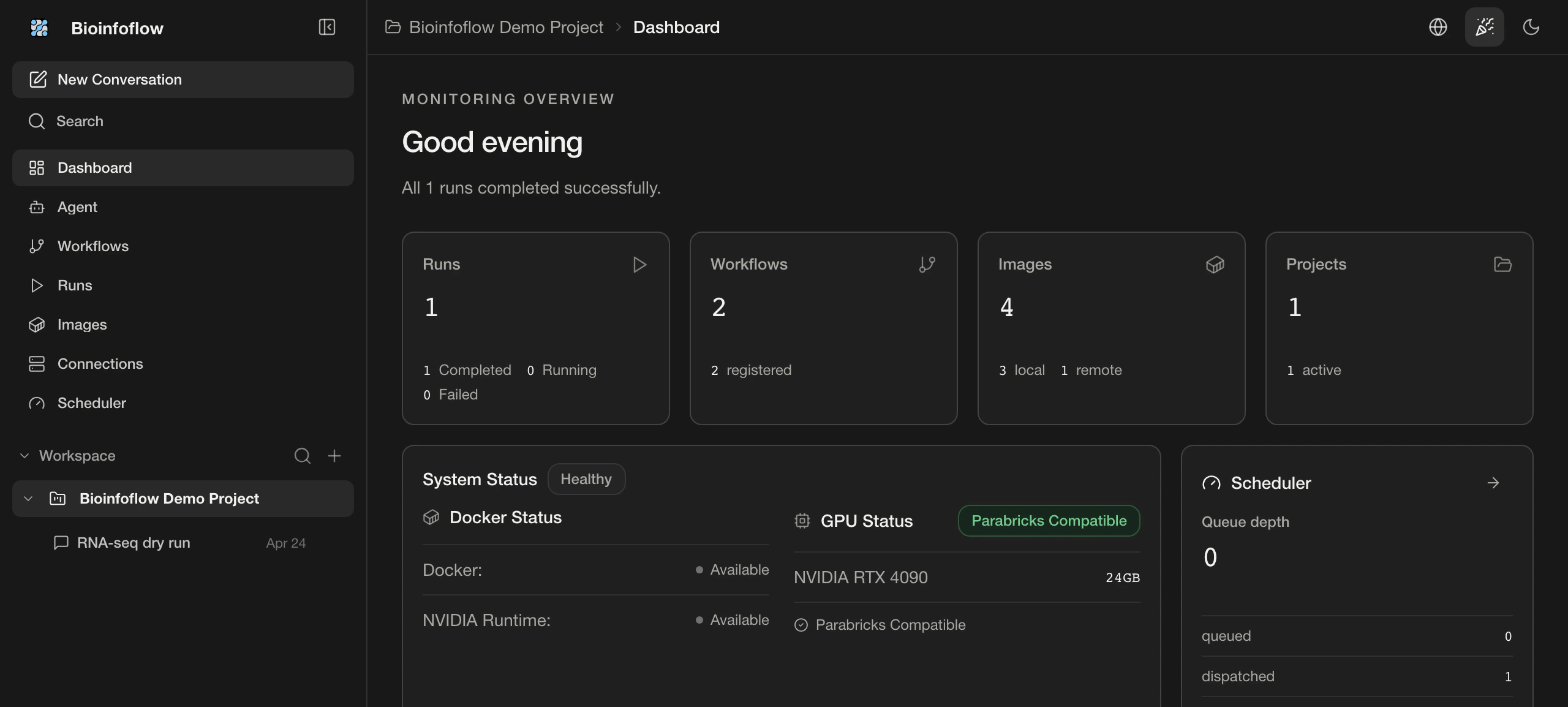
01 / Dashboard
See system readiness, active work, and recent runs before committing compute.
A local Agent for bioinformatics
Describe the goal. The Agent prepares the workflow and parameters, ready for your approval.
You approve each run. Data stays in your environment.
01 / Dashboard
See system readiness, active work, and recent runs before committing compute.
02 / Agent
Describe the biological objective in plain language and turn it into an inspectable execution plan.
03 / Workflows
Select validated nf-core pipelines or register local WDL and Nextflow workflows with their configuration visible.
04 / Runs
Follow status, logs, artifacts, and recovery history from one durable run record.
01 / Dashboard
See system readiness, active work, and recent runs before committing compute.
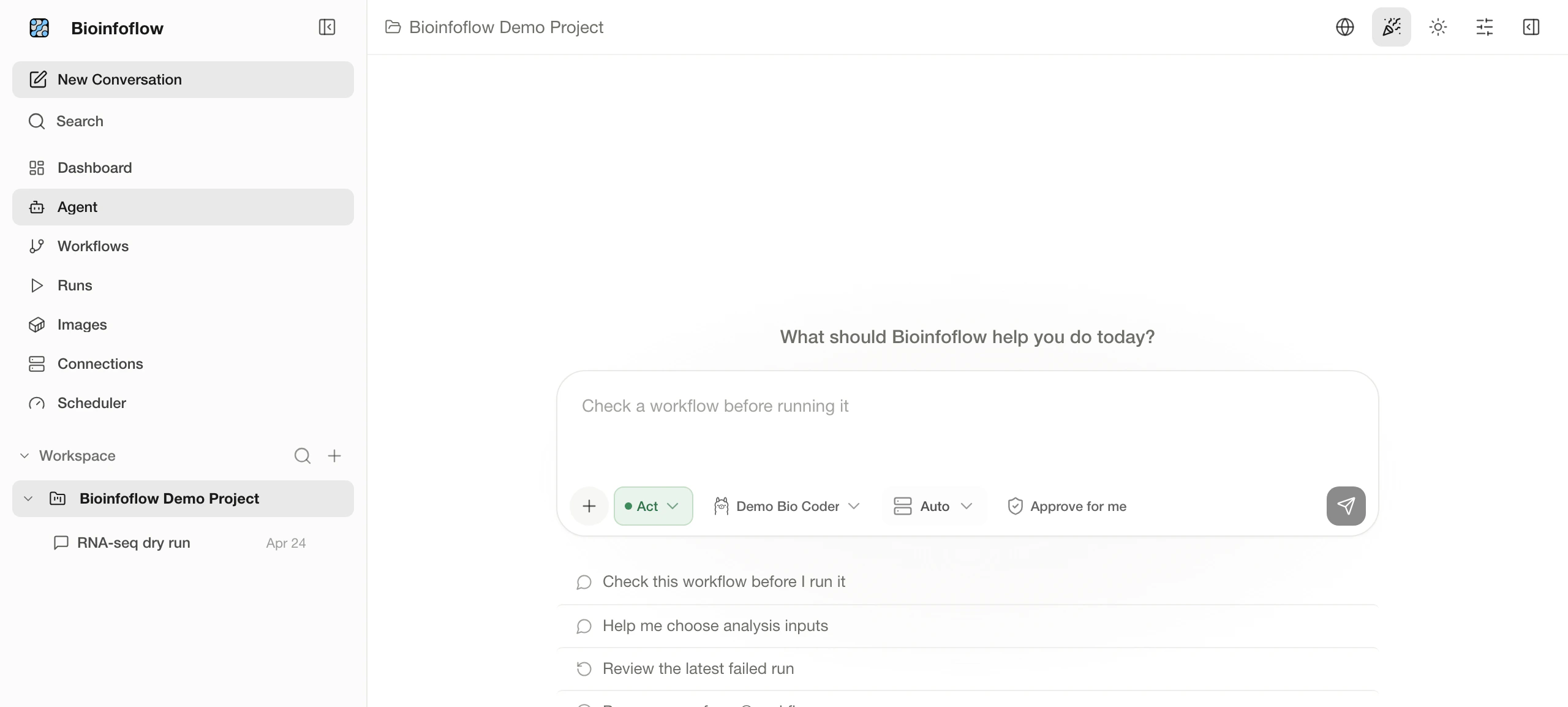
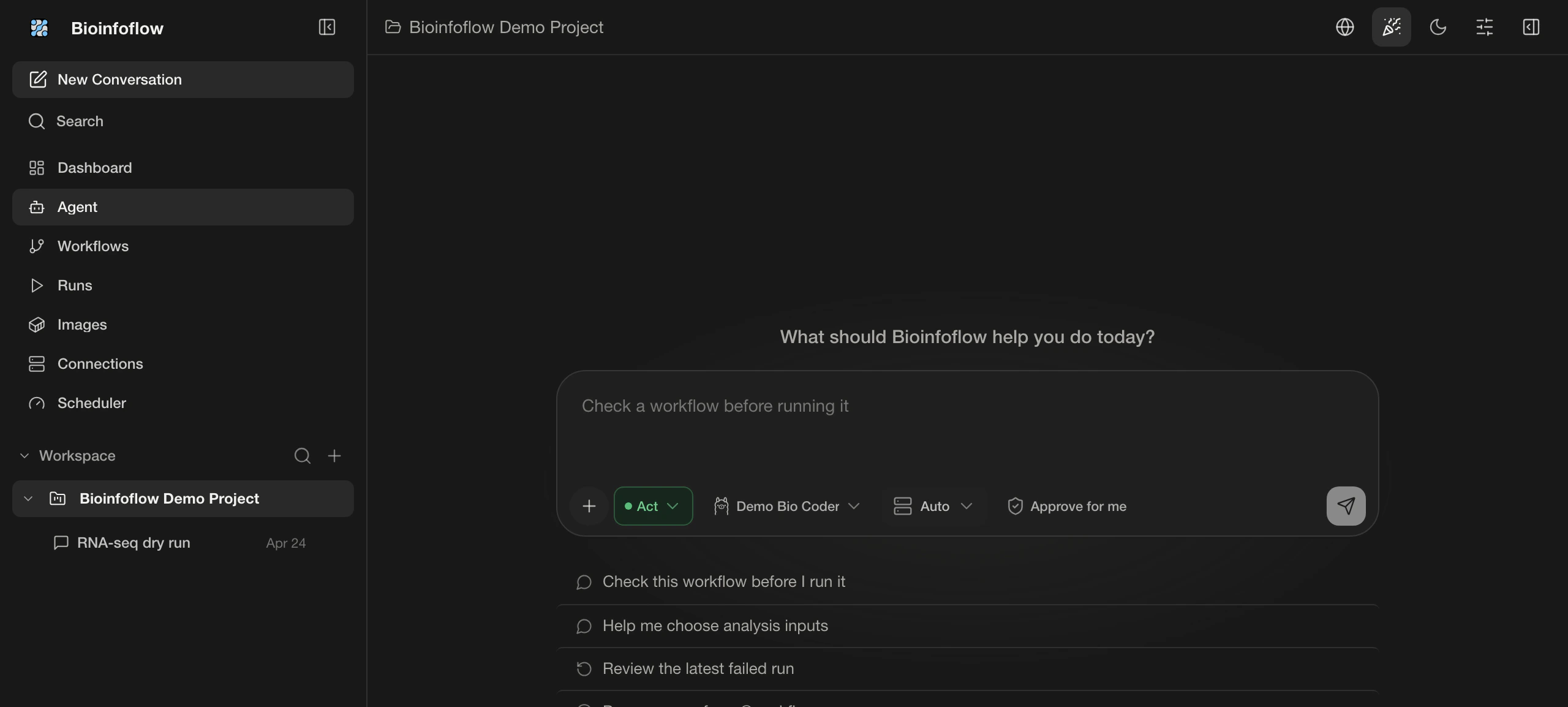
02 / Agent
Describe the biological objective in plain language and turn it into an inspectable execution plan.
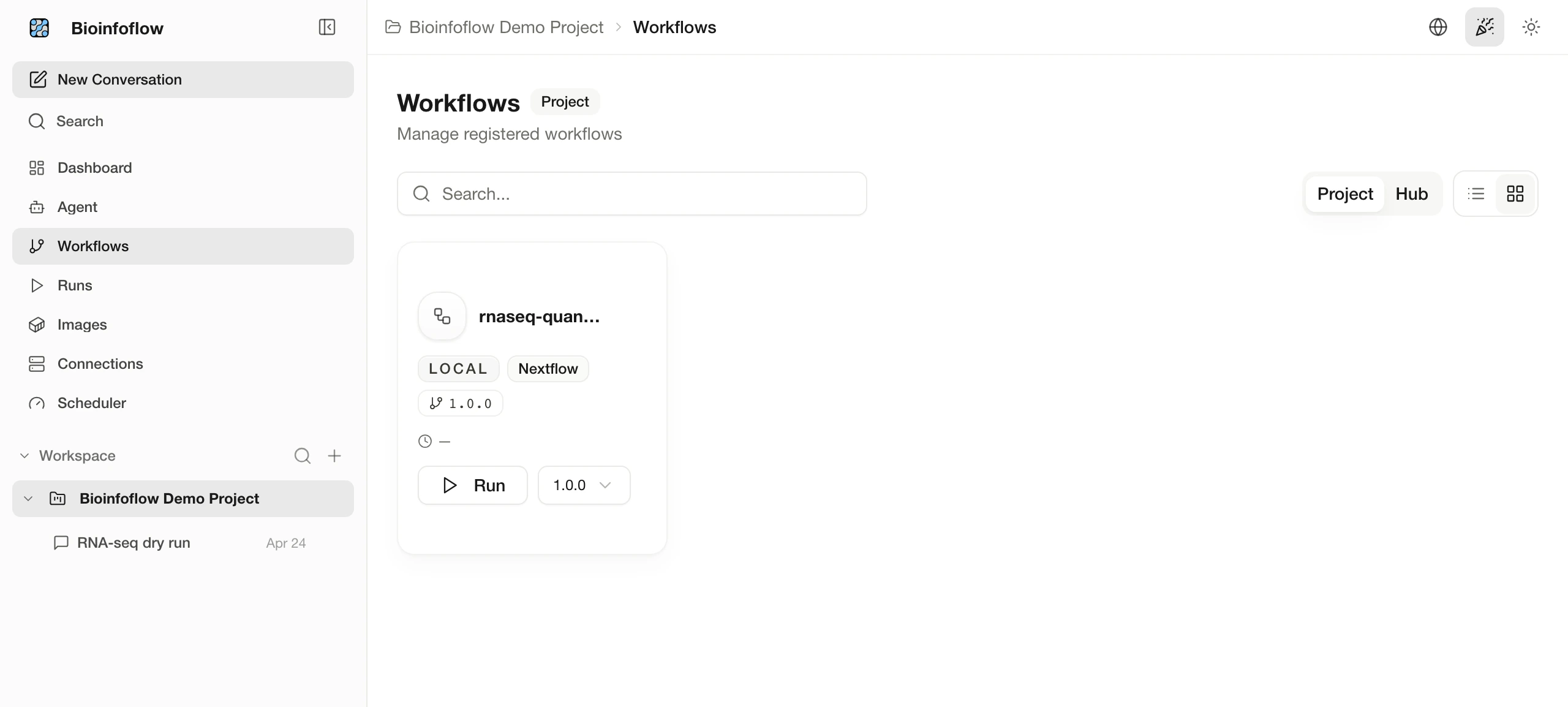
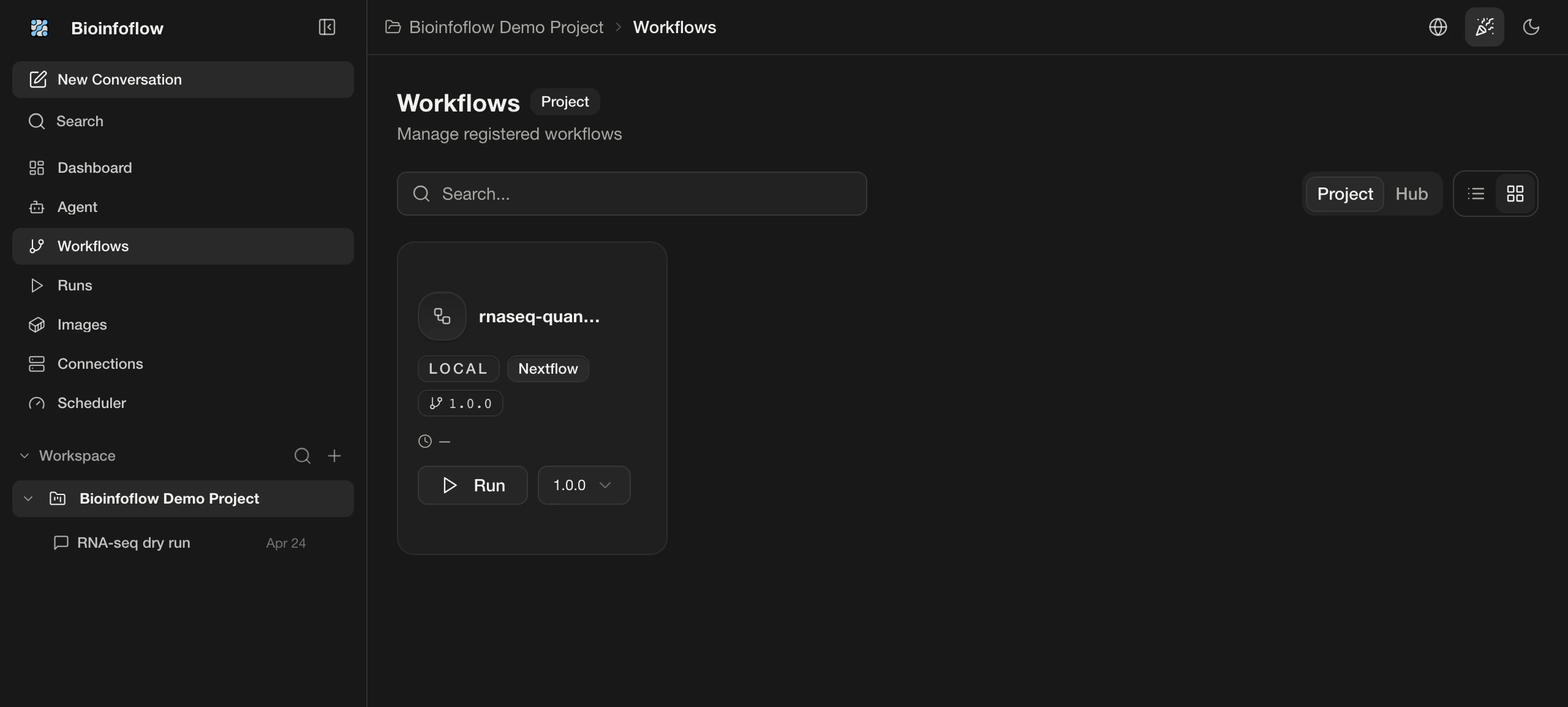
03 / Workflows
Select validated nf-core pipelines or register local WDL and Nextflow workflows with their configuration visible.
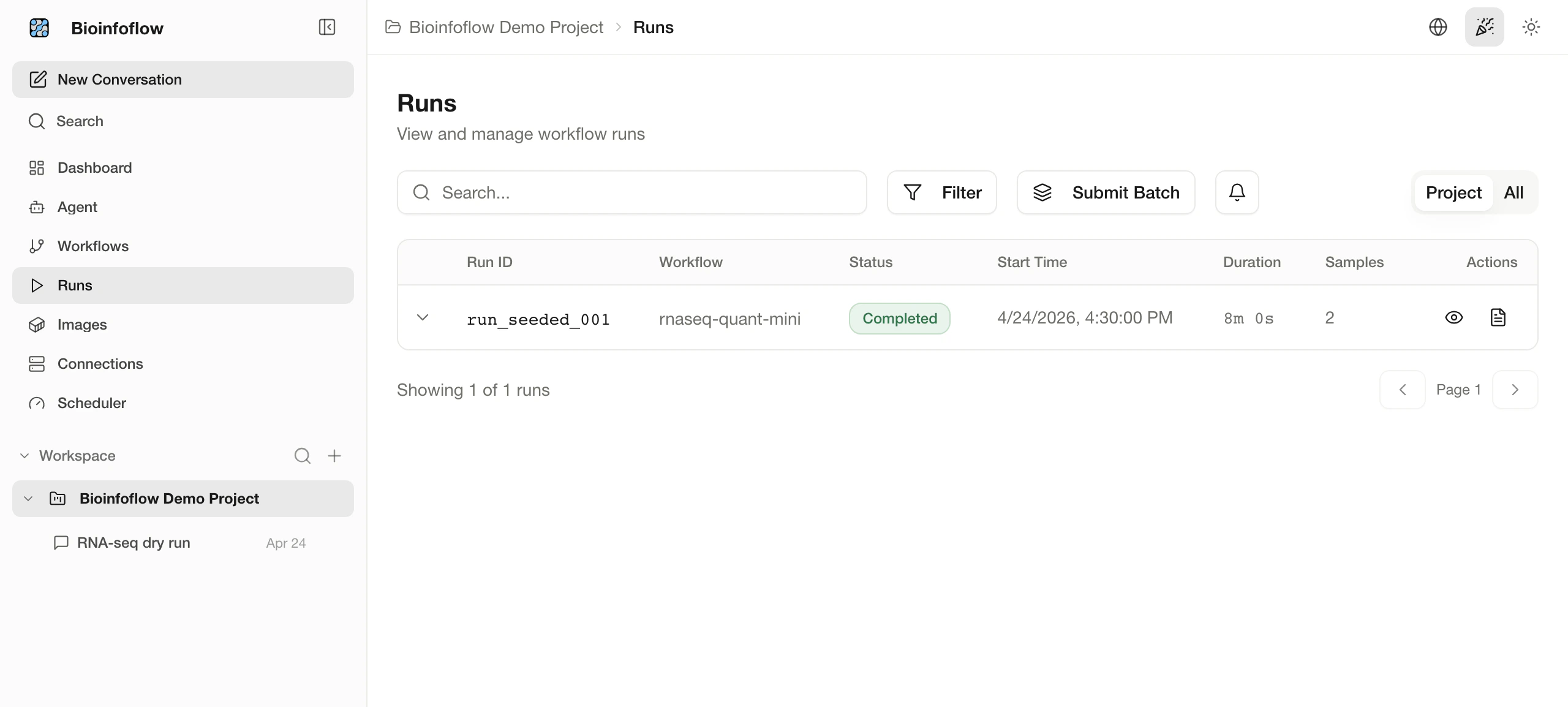
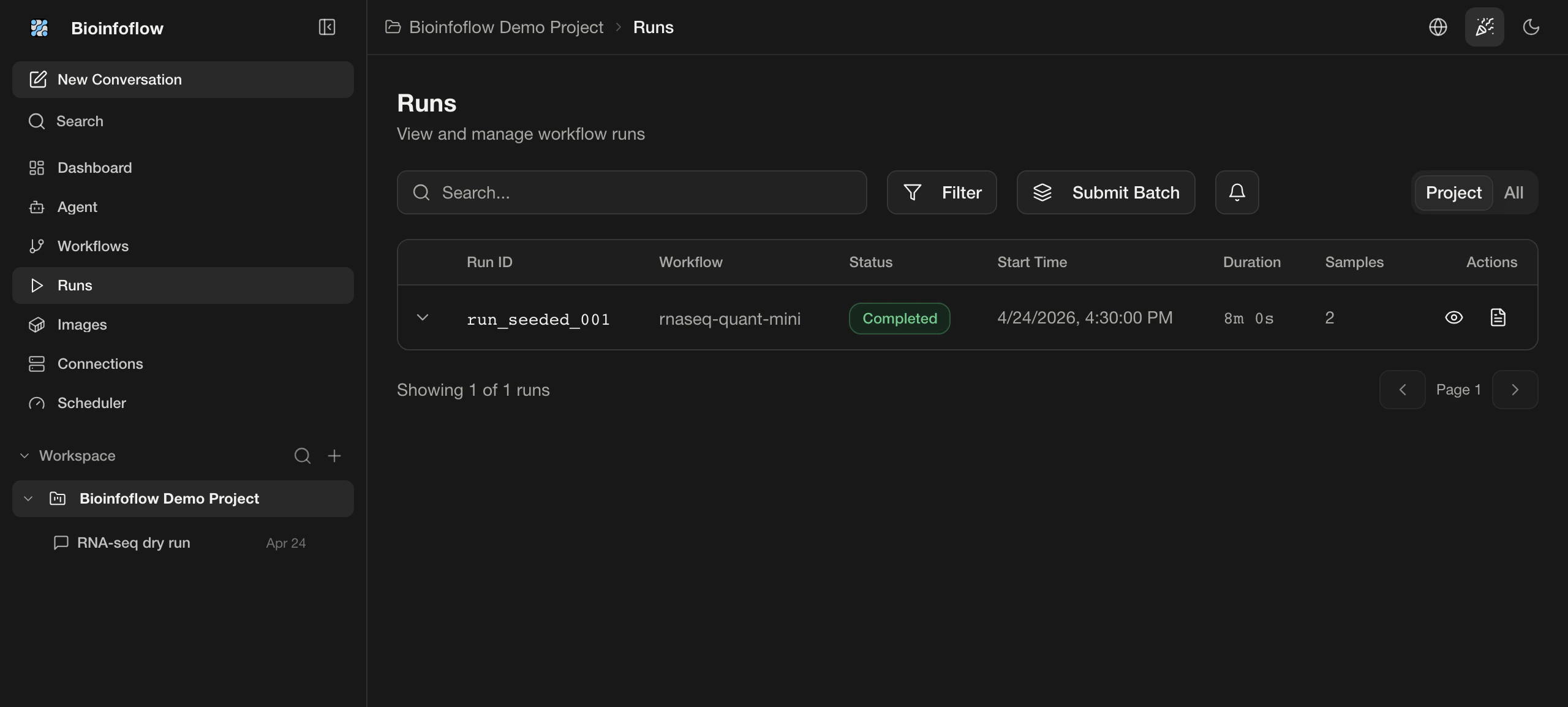
04 / Runs
Follow status, logs, artifacts, and recovery history from one durable run record.
From goal to result
Bioinfoflow connects the workflow, run, and result. You stay in the loop to inspect and approve.
Tell the Agent the analysis goal, where the data lives, and any constraints.
Goals and constraints stay with the analysisChoose from nf-core, Nextflow, and WDL workflows, then confirm versions and parameters.
Inspect versions and parameters before a runRun on a workstation, server, or connected compute environment without uploading data first.
Connect local, server, and remote computeStatus, logs, and task history remain available so you can diagnose and continue.
Logs and task state persist beyond the sessionParameters, versions, outputs, and files stay connected to the analysis record.
Results remain traceable to versions and parametersLocal check
Check whether its GPU, memory, and storage meet local analysis requirements.
RTX 4090
NVIDIA GPU with 16GB+ VRAM
64GB+
System RAM for genome data
500GB+ SSD
Fast storage for temp files
Data and permissions
Run on your computer or server. You decide where data lives.
Read from local directories or connected compute environments without sending data to a hosted cloud first.
Data locations do not change automatically
The Agent shows the plan, parameters, and run location before anything starts.
Runs start only after confirmation
Status, parameters, logs, and result locations remain available for review or recovery.
Run records stay connected to results